LOADING
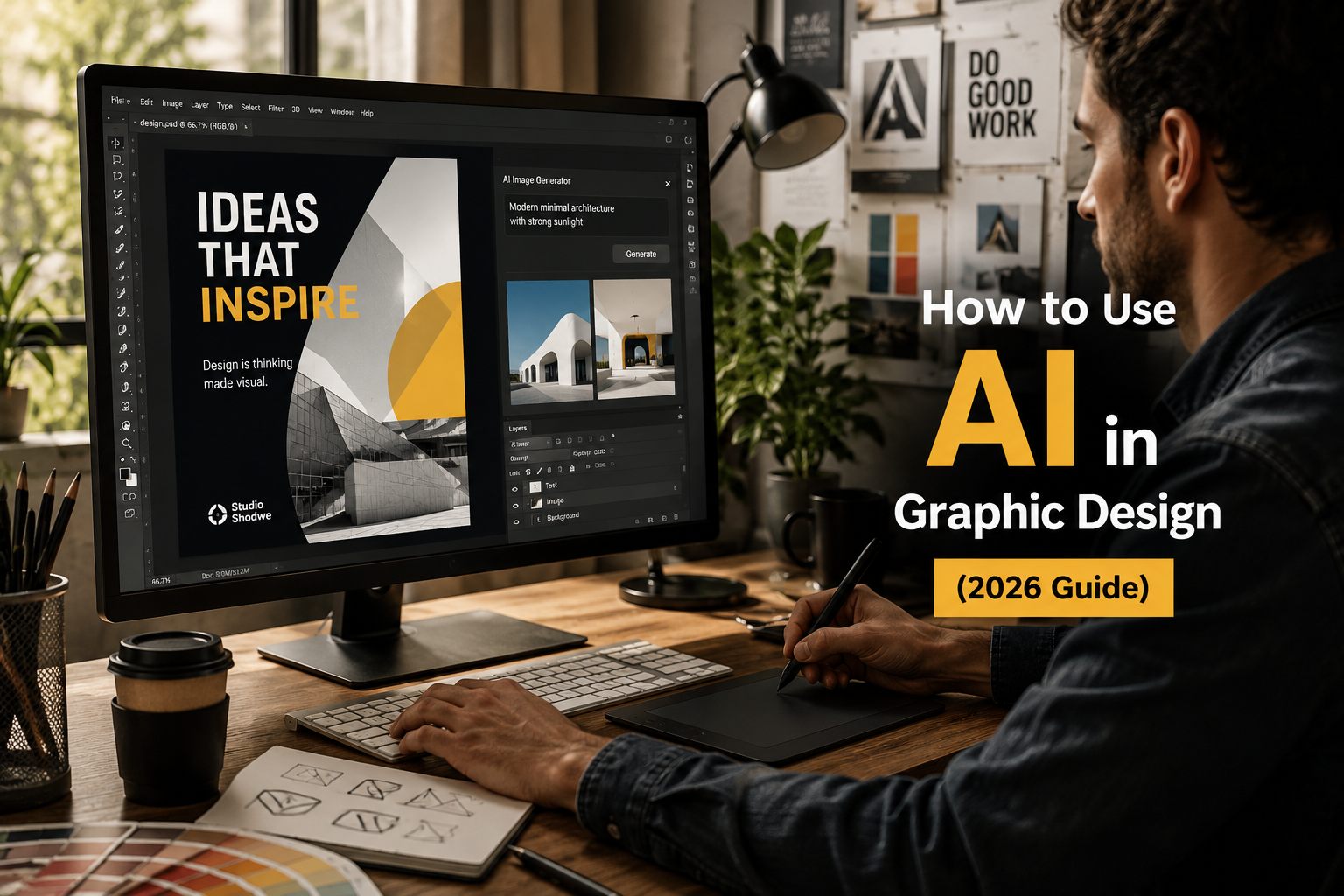
Artificial Intelligence (AI) is changing the way graphic design works. But it’s not here to replace designers-it’s here to make work faster, easier, and more creative.
If you use AI correctly, you can create more ideas, finish projects faster, and improve quality. But if you depend on it too much, your designs may look generic.
Let’s understand how to use AI the right way in graphic design.
AI in graphic design means using smart tools to help create visuals, layouts, images, and content faster.
These tools can:
AI works like a helper, not a decision-maker. It speeds up work, but humans still control creativity and branding.
AI is now part of modern design tools, helping designers work faster and smarter.
Here’s why it matters:
Instead of creating 2-3 design options, you can now create 10-20 variations in minutes.
AI can support almost every stage of design:
AI can quickly analyze data, user feedback, or content and give insights.
Example:
This saves hours of manual work.
This is where AI works best.
You can:
AI helps you think bigger and faster, not replace creativity.
AI tools can:
Instead of starting from zero, you start with a ready structure and improve it.
AI can generate:
This is helpful for small teams without dedicated writers.
AI helps in:
This is very useful for large projects and brands.
Many designers worry that AI will make designs look the same.
That only happens if you:
To avoid that:
AI gives options, you choose the best one.
AI is powerful, but it has limits.
Avoid using AI for:
AI does not understand human emotions or real-world context.
Only designers can handle that properly.
Many teams make these mistakes:
Remember:
AI output is a starting point, not final work.
AI is not replacing designers—it’s changing their role.
In the future:
The real advantage will be:
AI is a powerful tool for graphic design—but only if used correctly.
But strong design still depends on:
Use AI to support your creativity, not replace it.