WhatsApp Verified Service in Coimbatore
What is Green Tick?
WhatsApp Green Tick Verification is different from WhatsApp API Verification. You can get
approved for using WhatsApp APIs but will not get Green Tick.
On first of getting WhatsApp verified you have to associate your business phone number to
WhatsApp businesses account. Then you can apply for Green Tick after you are approved
for
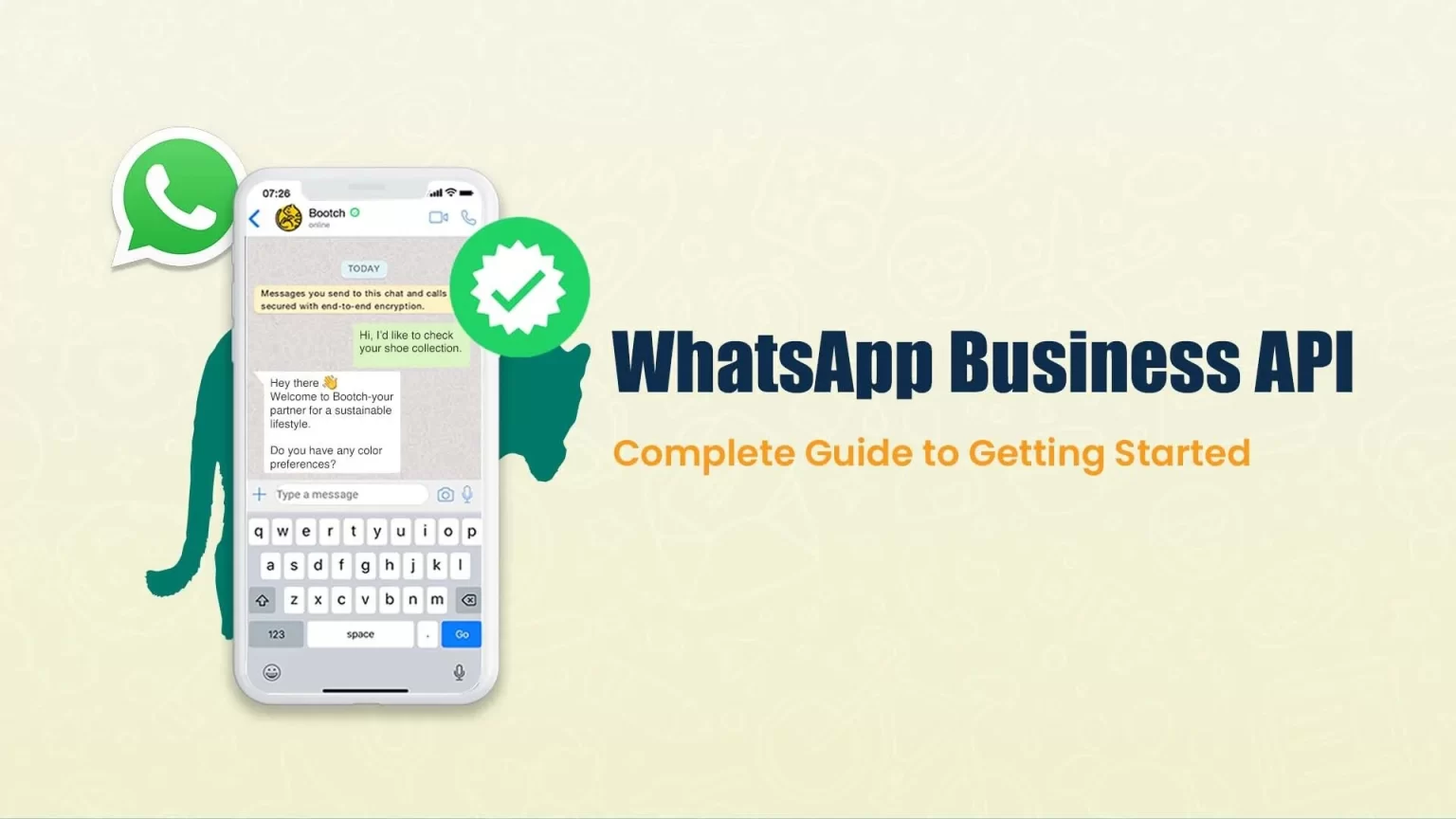
WhatsApp Business APIs. Once they approved then you will get the green badge ✅ then that
is
your business's WhatsApp verified account. WhatsApp typically grants Green Tick or
Official
Business account to very limited and highly reputed businesses.
If your WhatsApp account is approved as a official
business account, then your display name will be visible in your company name in
chat
list, chat screens, chat groups, and contacts view instead of the phone number.
There
will be a green checkmark beside the displayed name in the contacts view.
How to get a WhatsApp verified account?
You must first apply for WhatsApp API access through a WhatsApp Business Solution
Provider.
Once your WhatsApp Business API access is approved, then you can apply for Green Tick.
The
Green Tick application may be rejected if your business is not reputed.
4
Verification & Approval
The check List to get a Green Badge?
You must be using WhatsApp API Approved Business
Account.
Facebook Business Manager should be verified by
Facebook.
Right now they give approval only for business purpose.
Individuals are not allowed as of now.
Your business should be a notable and reputed brand.
How long does the Green Tick Application decision take?
Once you submitted your application for green tick they takes 5-7 business days for
approval
process.
WhatsApp disallows certain business categories for WhatsApp API and hence for WhatsApp
Green
Tick Verification.
The following products/services are restricted:
Medical & Healthcare Products


 Marketing Tools