
LOADING
Sometimes, you must send a quick message on WhatsApp without adding the number to your contacts. Whether you’re messaging a delivery person, a shop, or a new client, WhatsApp has several ways to start a chat without saving the number
Sometimes, you must send a quick message on WhatsApp without adding the number to your contacts. Whether you’re messaging a delivery person, a shop, or a new client, WhatsApp has several ways to start a chat without saving the number.
Below are four simple methods you can use:
The simplest way is to scan the other person’s WhatsApp QR code. Every WhatsApp user has a unique QR code available in their settings
Steps to Use:
This is useful when you meet someone in person or see a QR code at a business location like a cafe or store.
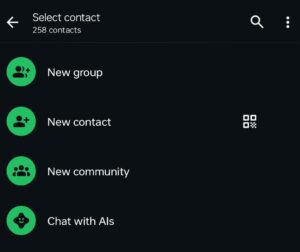
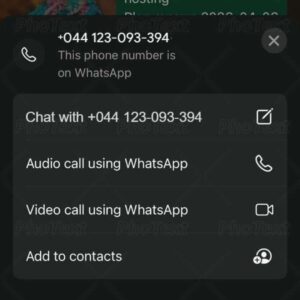
If you don’t have the recipient’s QR code, this trick works well:
Steps to Follow:
It’s a handy method for quick, one-time conversations.
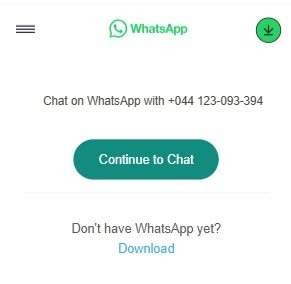
WhatsApp’s official Click to Chat feature lets you start a chat using a simple link — no app or contact saving required.
How to Do It:
Great for businesses and websites to connect with customers directly!
Some third-party apps like Truecaller, Easy Message, or Direct Chat offer WhatsApp messaging features without saving numbers.
How It Works:
Note: If you don’t already use these apps, it’s better to stick with the official methods above for privacy and security.
You don’t need to crowd your contact list for short, one-time WhatsApp conversations. Whether using a QR code, your chat, Click to Chat, or third-party apps, you now have multiple ways to message someone on WhatsApp without saving their number.